I almost hesitated to write this post, as I feared it might seem like a paid endorsement, but I can assure you it isn’t.
Since the move to Apple Silicon, we’ve not had to worry about the blazing heat older Macs generated, whether they be MacBooks or Desktop machines. No longer is it an uncomfortable experience to use a MacBook Pro or Air, as it became when the most powerful Intel based processors generated so much heat, that it was almost impossible to keep them on your lap.
However, with the increasingly powerful Apple Silicon Chips, with their integrated CPU / GPU architecture, when faced with a challenging task, still does generate some significant heat. Many benchmarks use external temperature gauges to measure the external temperature of the chassis to display where the hotspots are, and in performance testing to determine when “Thermal Throttling” is kicking in, particularly on fan-less models such as the MacBook Air.
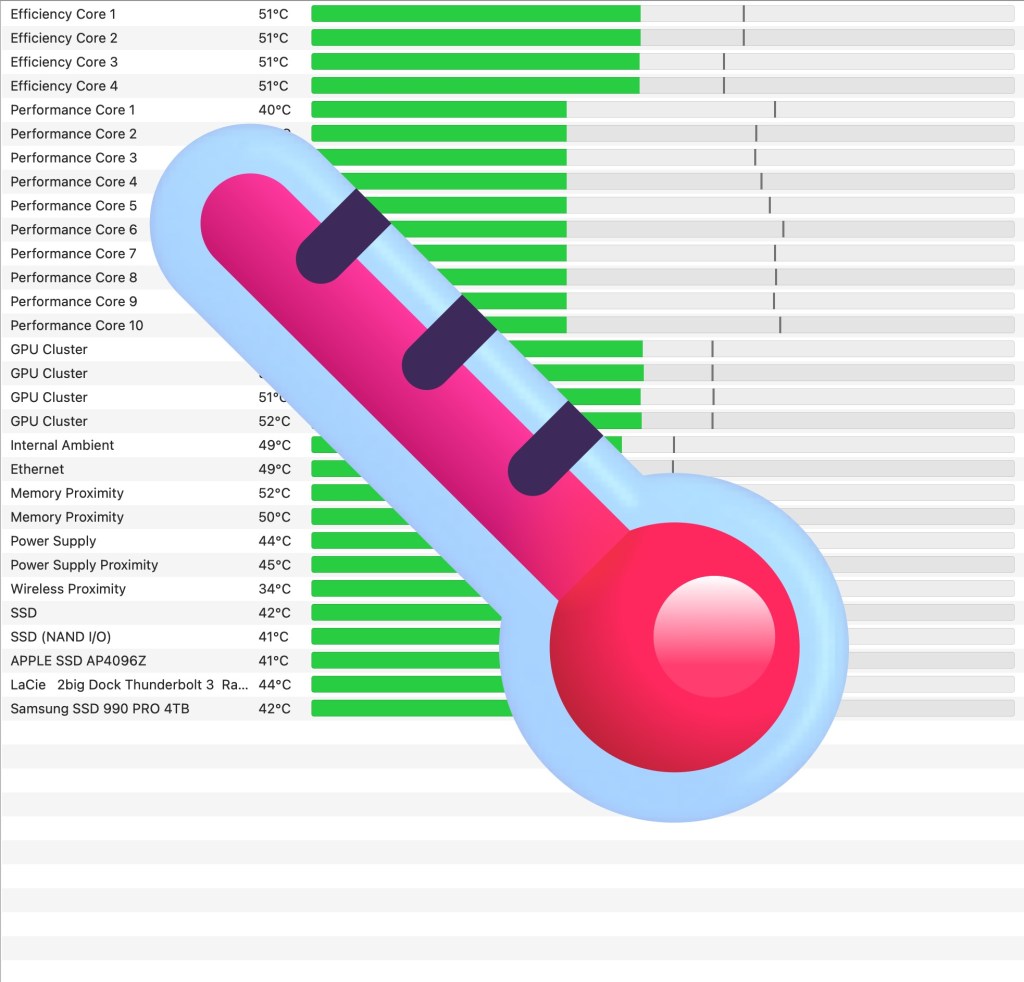
Now I’ve been a big fan of Tuna Belly Software’s TG Pro for years. It is one of the most comprehensive temperature monitoring, and fan management software for Mac OS available. You can monitor the temperature of the individual cores of the Processor and many other Temperature sensors around your Mac. For example, with my Mac Min M4 Pro, it displays no less that 28 distinct Temperature sensors inside the Mac. It very helpfully shows current temperature, but also the maximum temperature that sensor has reached since startup.
What really surprised me however, and the subject of this post, was the fact that for some external drive volumes – presumably an element of the SMART interface of those drives – it reports the temperature of the drives.
I’ve recently invested in an external USB4 / Thunderbolt 4 external SSD enclosure – It’s a WavLink USB4 / TB4 external SSD with a small Fan – very solid and some decent read and write speeds – around 2,900 MB/s. So nowhere near the speeds being delivered by external Thunderbolt 5 enclosures that I’ve seen reviewed, but I’m not convinced that that range of gear is fully mature as yet, and I’m going to wait a little while before considering those.
When I looked at TG Pro’s main window, I was surprised to see that the Samsung SSD 990 Pro – the SSD inside my Wavlink external SSD enclosure – was reporting its current temperature back!
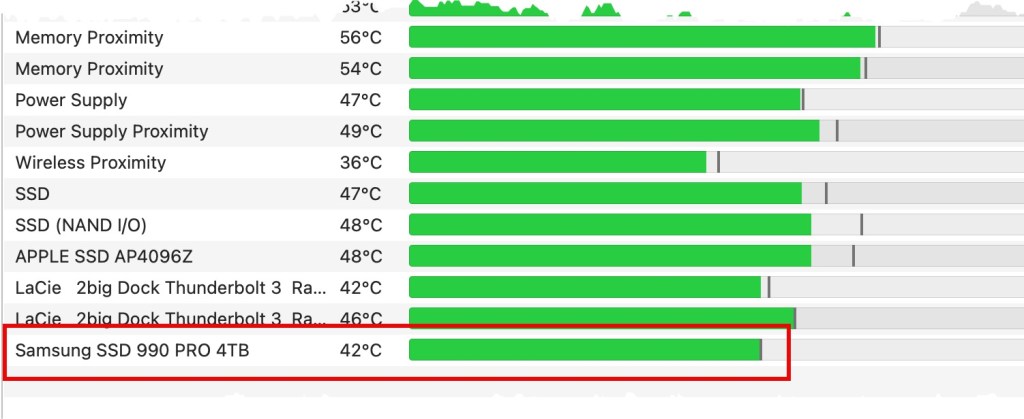
So to ensure this was an “accurate” figure, I began running Blackmagic Disk Speed Test on the external SSD, using 5 GB file sizes – which normally stresses a drive out most.
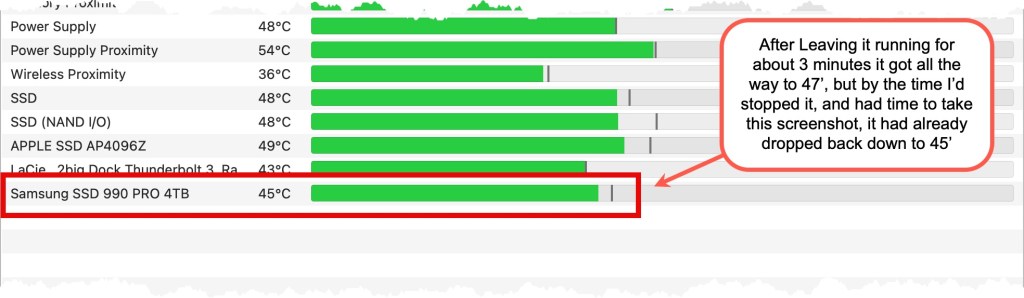
This suggests to me that the temperatures reported are accurate and delivered in “real-time”, which is great news about TG Pro’s capabilities (and probably just as good news about the WavLink external TB4 enclosure I’ve chosen).

And even better news, perhaps more about the SSD enclosure, was the fact that the temperature settled down again to the earlier temperature once the high-intensity activity of the Speed Test was completed.
Now having found TG Pro can monitor SSDs in external enclosures, that’s just another benefit I’d not expected! Will it work for all external enclosures? That’s a question I don’t know the answer to. If you’ve got any experiences to contribute for other enclosures, please let me know in the comments below. But even before discovering that feature, TG Pro is great piece of software all of my Macs have installed.
For those interested, here’s a link to TG Pro on Tuna Belly’s web site:
https://www.tunabellysoftware.com/tgpro TA's Ramblings
Leave a comment